Strengthen Security
Reduce risk across identities, access, devices, email, and administration.

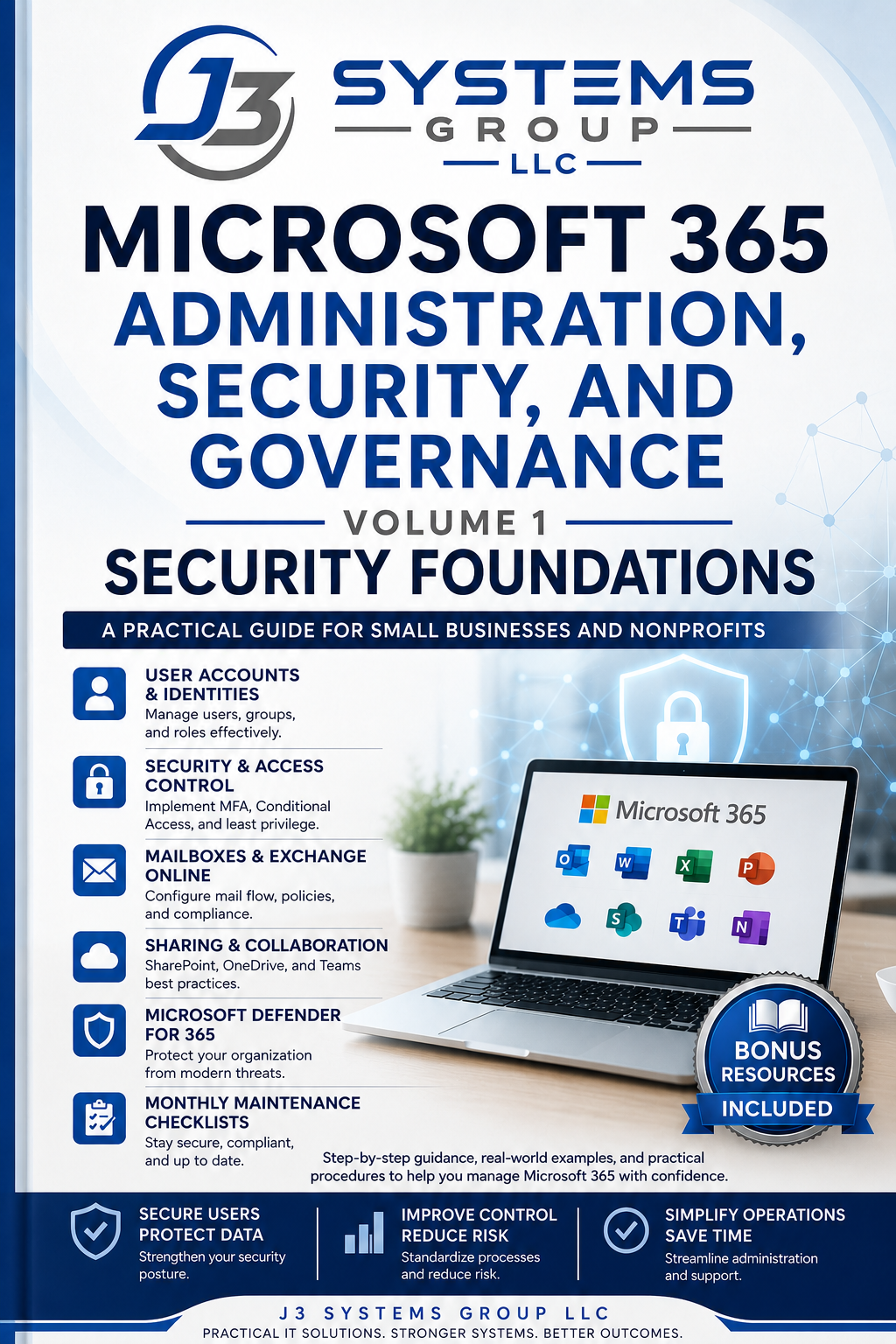
J3 Systems Group Store
Administration, Security, and Governance
Volume 1: Security Foundations
A practical, professionally illustrated guide for small businesses, nonprofits, consultants, managed service providers, and Microsoft 365 administrators. Learn how to protect identities, configure stronger access controls, manage users and devices, improve governance, and build a repeatable Microsoft 365 security program.
Reduce risk across identities, access, devices, email, and administration.
Use structured guidance, checklists, worksheets, and repeatable procedures.
Clear controls for small businesses, nonprofits, consultants, and lean teams.
Choose Your Edition
Start with the complete manual, add implementation resources, or choose the professional toolkit for broader operational use.
Manual Only
$59
Best for readers who need the complete step-by-step digital manual.
Complete Implementation Bundle
$99
The complete manual plus editable resources for planning, review, and implementation.
Professional Toolkit
$149
Expanded resources for consultants, managed service providers, and internal technology leaders.
What Is Included
The manual combines technical guidance, operational governance, practical exercises, and reusable implementation resources.
A professionally formatted, 136-page first edition with ten practical chapters.
Identity, licensing, Entra ID, MFA, Conditional Access, Intune, Defender, and governance.
Full-color diagrams, visual recaps, callouts, warnings, and administrator insights.
Labs, knowledge checks, field scenarios, troubleshooting questions, and review tasks.
Planning worksheets, security checklists, review templates, and operational tools.
Preview the Book
Review the writing quality, visual format, hands-on guidance, and practical resources included with the publication.
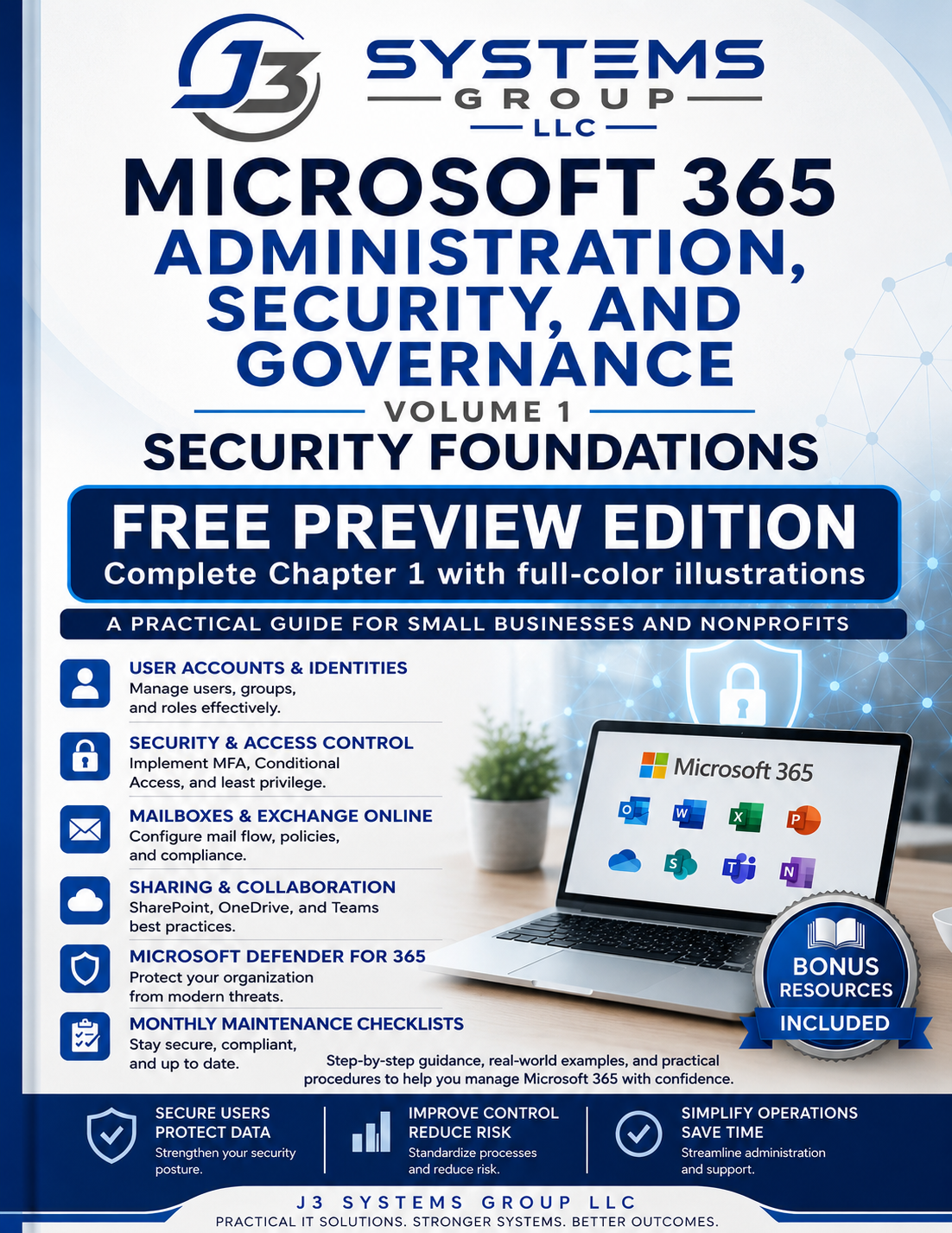
Includes illustrated sample content and practical Microsoft 365 security resources.
Topics You Will Master
The book explains the platform, the risks, the controls, and the recurring administrative work required to maintain a secure tenant.
Implementation Support
Schedule a complimentary Microsoft 365 risk conversation. We will help identify priority gaps, clarify the work in front of you, and determine whether hands-on support would be useful.